2kViews
Where can I check the status of my withdrawal request?
You can check the status of your withdrawal request by following these steps:
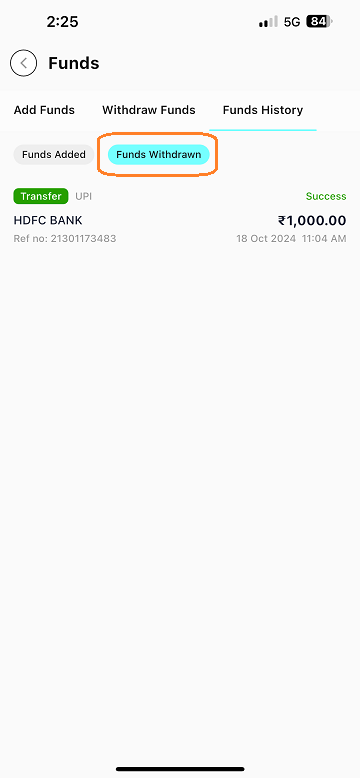
- Navigate to the "Funds" page from the "Stocks" section and click on "Withdraw Funds" in your Torus account.

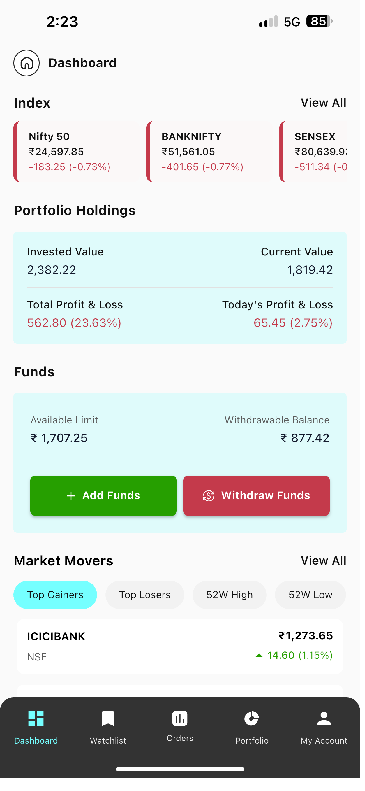
- At the top of the screen, select the "Funds History" option.
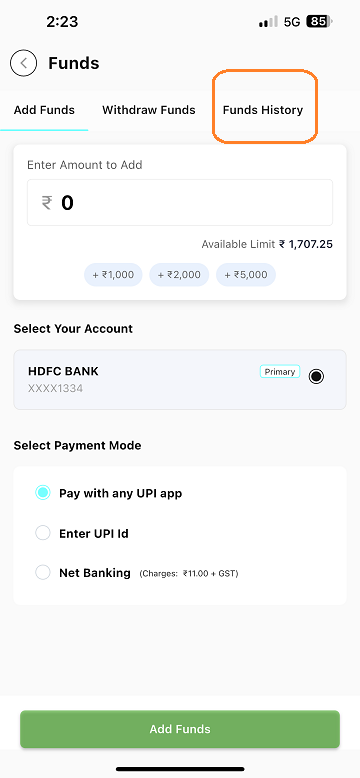
- In the "Funds History" section, you will see the status of your withdrawal request, which will be displayed as "Success" "Under Process," or "Cancelled."
Withdrawal requests generally take 12 – 24 working hours to get processed and are credited to your registered bank account.
Last updated: A Year Ago


2kViews
Withdraw Funds
 How to withdraw funds?
- What is the amount available for withdrawal?
- When will the funds be added to my bank account after placing the withdrawal request?
- When will I get my pay-out if the funds withdrawal request is raised during market hours?
- Considering tomorrow is a bank holiday, when can I expect to receive my funds?
- Why was my withdrawal request rejected?
- I placed a withdrawal request 24 hours ago, why haven’t I received my money?
- Can orders be placed once withdrawal request is placed?
- Are there any maximum withdrawal limits for daily, weekly, or monthly withdrawals?